Can Someone Undo an Anonymized Face? What Can Be Reversed
A swirl can be run backwards and a blurred face can still be recognized. Face anonymization draws a new face instead. Here is what can and can't be undone.
- face-anonymization
- creator-privacy
- face-blur
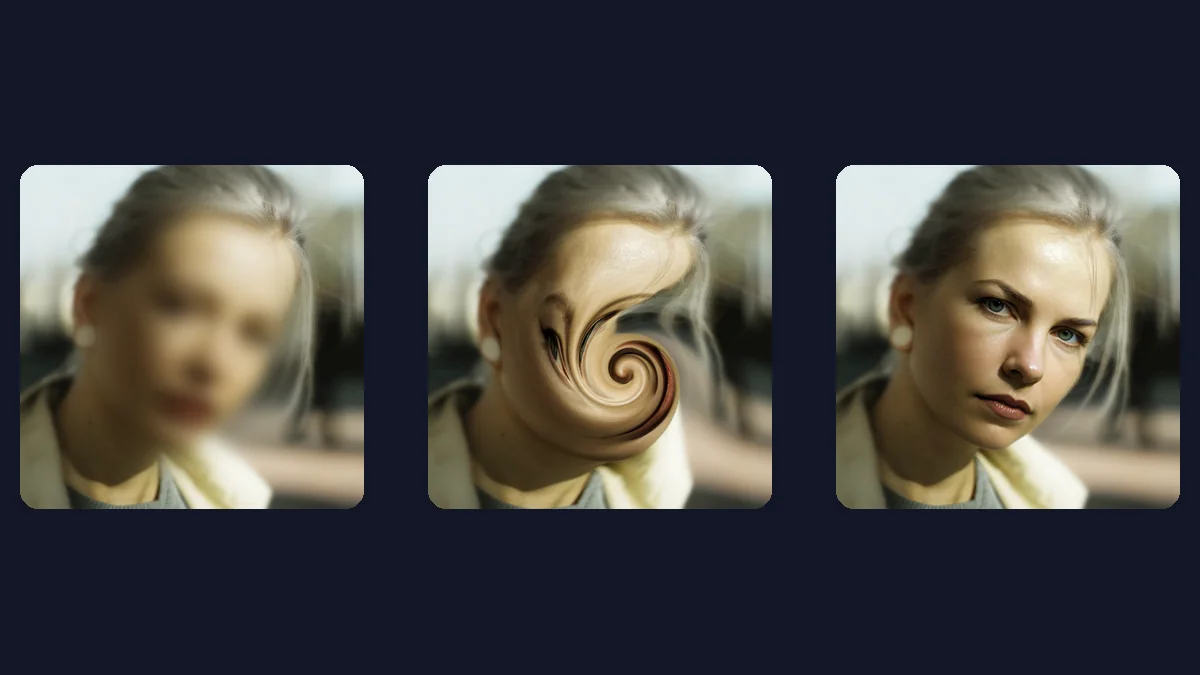
Not from the anonymized file itself. A swirl, blur or mosaic covers your face but leaves it in the picture in some form, and a swirl can simply be run backwards. Face anonymization works differently: it draws a new face in place of yours, so the finished file doesn't hold your eyes, nose or mouth under a filter. There's nothing there to undo.
That doesn't mean nothing can identify you. The new face keeps your expression and the outline of your head, and everything outside the face is still your photo. Below, one portrait from our sample library goes through each method.
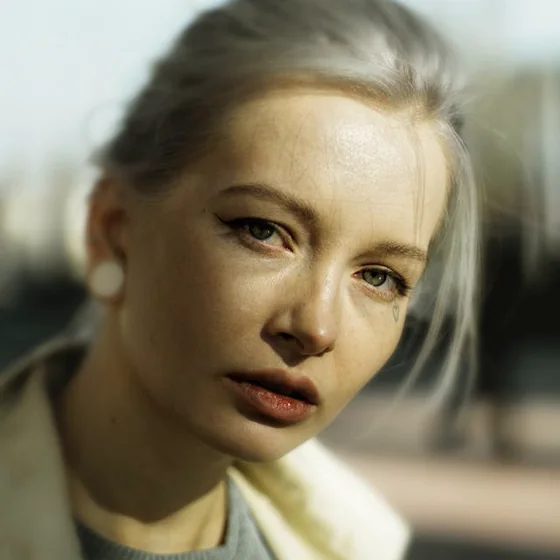 Your photo
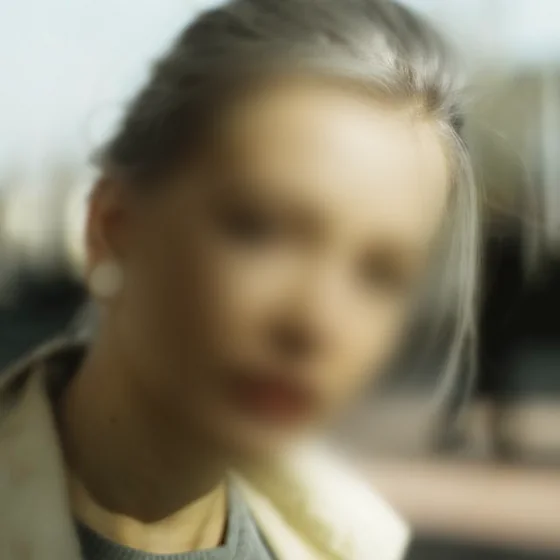 Blurred
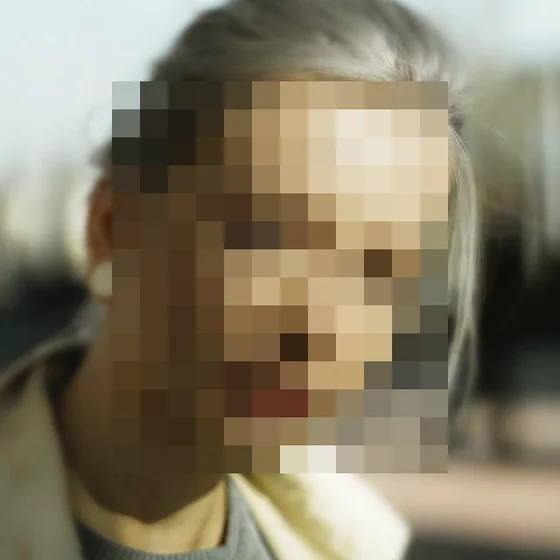 Pixelated
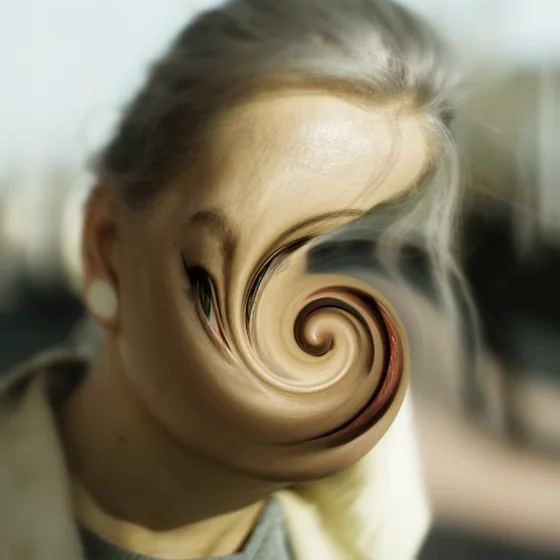 Swirled
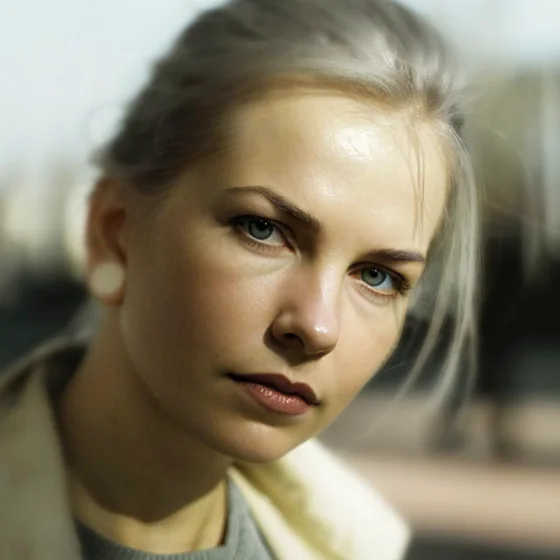 Anonymized
Why can a swirl be undone?
A swirl doesn't remove anything. It moves the pixels of your face around in a spiral, and every one of them is still in the picture. Run the same swirl the other way and they go back where they were.
We tried it on the swirled portrait above. We saved it as a JPEG first, the way a phone or an upload would, then ran the swirl backwards:
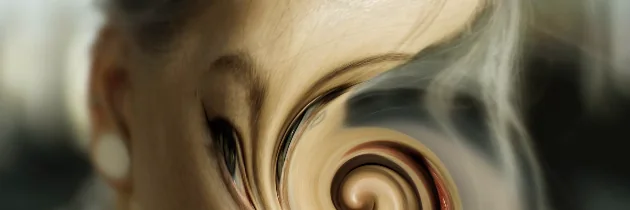 Swirled
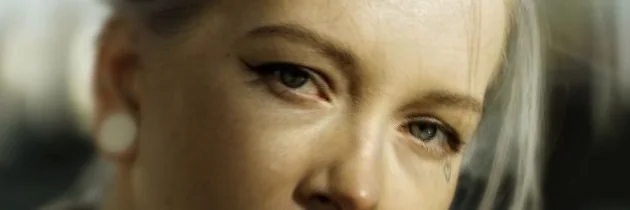 Swirl reversed
Can a blurred or pixelated face be recovered?
Not exactly. Blur and pixelation do throw detail away, so there's no way to get the precise original back. That's less reassuring than it sounds, for two reasons.
Recognition doesn't need the original. In 2016, researchers at Cornell Tech and the University of Texas showed that standard image-recognition software can be trained to identify faces hidden by pixelation and by YouTube-style blur (the paper).
"Unblur" tools make faces up. AI upscalers can turn a pixelated face into a sharp one, but the sharp face is invented. So the real risk with blur isn't a perfect undo. It's a match, or a blur light enough that people who know you still see the shape of your face. The mask, crop and blur comparison covers when each method fits.
What does face anonymization do instead?
It replaces the face rather than covering it. Our model draws a new face, guided by the persona you picked. It looks at your photo to copy your head angle, expression and light, and NeoFace then blends only the face area back into your photo, matching its colors so the new face fits. How face anonymization works shows each step.
The result is a new picture. Inside the face outline, your eyes, nose, mouth and skin were replaced by newly drawn ones, and the file doesn't keep your face under a filter. There's no layer, key or setting in it that turns it back, so there's nothing to run backwards the way a swirl can be.
Your photoAnonymized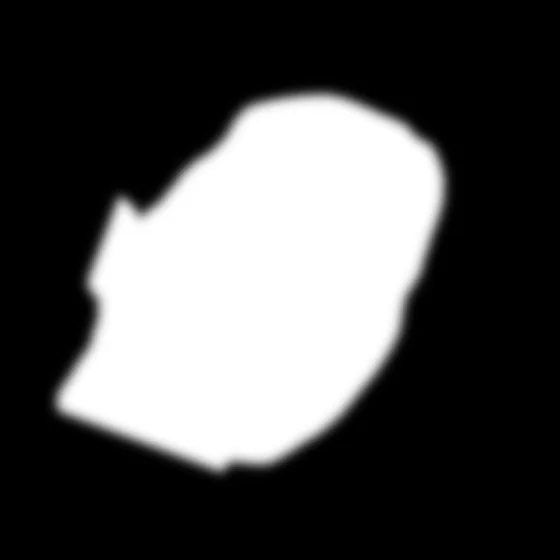 Face outline
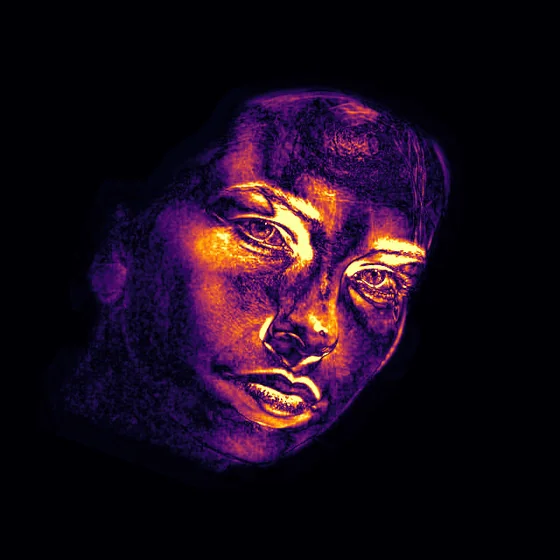 What changed
What can still give you away?
Anonymization changes whose face it is, not everything about the picture. These come through, some of them on purpose:
- Your expression, head angle and lighting. That's the point: the new face smiles when you smile.
- The outline of your head and jaw. The new face is drawn in your head's position, so the line of your jaw and chin stays close to yours.
- A thin band at the edge. Along the hairline and jaw, the new face fades into your photo, so the outermost edge mixes old and new pixels.
- Everything outside the face. Your hair, body, tattoos, clothes and room are your original photo. In a video, so is your voice.
- Missed frames in a video. If the face isn't found in a frame, during a fast turn or with a hand across it, that frame can keep your real face.
Can your original photo still be found?
Yes, if it's online anywhere. An anonymized photo is your original with a different face: the background, your clothes and the framing are the same. Reverse image search tools are built to find edited copies, so if the unedited version was ever posted, a search on the anonymized one can lead to it. The reverse image search guide shows how to check what's already out there.
NeoFace saves its result as a new file, so the location, date and camera details stored in your original don't come along.
How do you post so nothing can be undone?
- For anything you can't take back, anonymize the face or cover it completely, never with a swirl.
- Post only the anonymized version, and never the original anywhere, on any account.
- Send editors and clients the finished file, not the original or the project.
- Zoom in on the edge of the face, along the hairline, jaw and ears.
- Watch every frame of a video, especially cuts, fast turns and hands near the face.
- Look at the result the way someone who knows you would, hair, body, tattoos and room included.
The faceless video privacy checklist goes through the rest of the frame before you publish.
Frequently asked questions
- Can AI reverse face anonymization?
- Not from the finished file. Inside the face outline, your face was replaced by a newly drawn one, so there is no hidden copy for an AI tool to recover. A tool that tries can only invent a face. What can still point to you is what anonymization keeps on purpose, such as your head angle and expression, and everything outside the face.
- Does an anonymized photo still contain my real face?
- No. Inside the face outline, NeoFace replaces your eyes, nose, mouth and skin with newly drawn ones and saves the result as a new picture, with no layer, key or setting that turns it back. Only a thin band along the edge of the face mixes old and new pixels.
- Can AI unblur or unpixelate a face?
- Not exactly. Blur and pixelation throw detail away, so the exact original can't be brought back. AI upscalers can make a heavily blurred or pixelated face sharp again, but they invent the details. The bigger risk is recognition: software can be trained to identify faces through blur and pixelation, and a light blur leaves the shape of your face for people who know you.
- Can you unswirl an image?
- Yes. A swirl only moves the pixels of a face around in a spiral, so running the same swirl the other way puts them back, even after the picture was saved as a JPEG.
- Can reverse image search find the original of an anonymized photo?
- Yes, if the original was ever posted. An anonymized photo is the same picture with a different face, and reverse image search tools are built to find edited copies, so a search on the anonymized version can lead to the unedited one.
- Can people still recognize me after face anonymization?
- People who know you might. The new face keeps your head angle, your expression and the outline of your head and jaw, and your hair, body, voice and surroundings don't change. Look at the result the way someone who knows you would before you post it.
Create with
a face you choose.
Choose a reusable synthetic face for your photos and prerecorded videos. Start with a sample to see how NeoFace fits your content.